











































TSA PreCheck Touchless ID lets eligible travelers verify their identity with a quick photo instead of showing a physical ID. TSA says the program runs at 65 airports. You must opt in before you fly. Without the Touchless ID indicator on your boarding pass, you use the regular PreCheck lane.
What TSA PreCheck Touchless ID Is
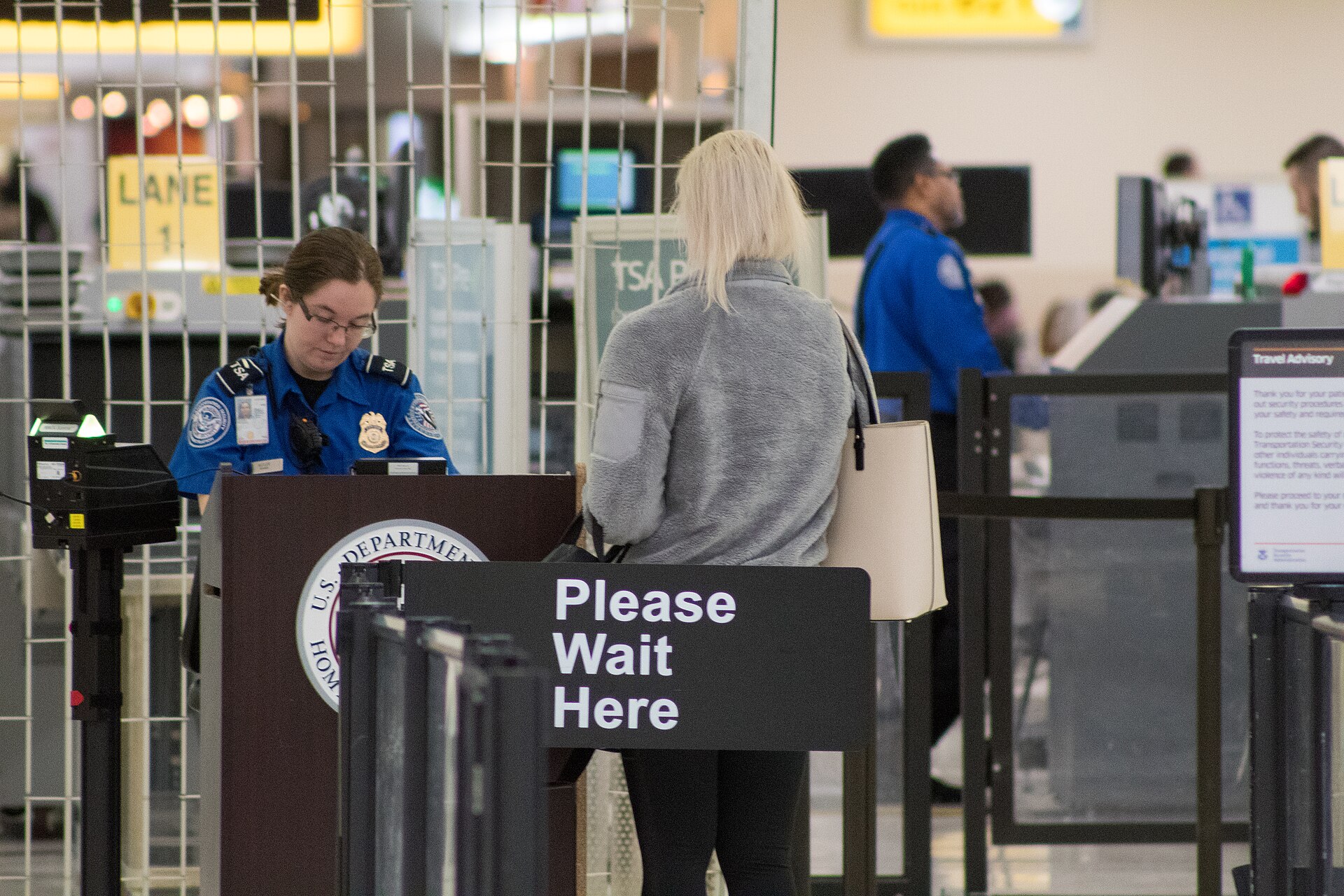
TSA PreCheck Touchless ID uses facial comparison technology at the ID check. You look into a camera at a dedicated lane. TSA compares your face to your passport information. You still go through normal PreCheck screening after that. Taking part is voluntary. TSA says photos and personal data are deleted within 24 hours of your scheduled flight departure, and it does not use the images for law enforcement or surveillance.
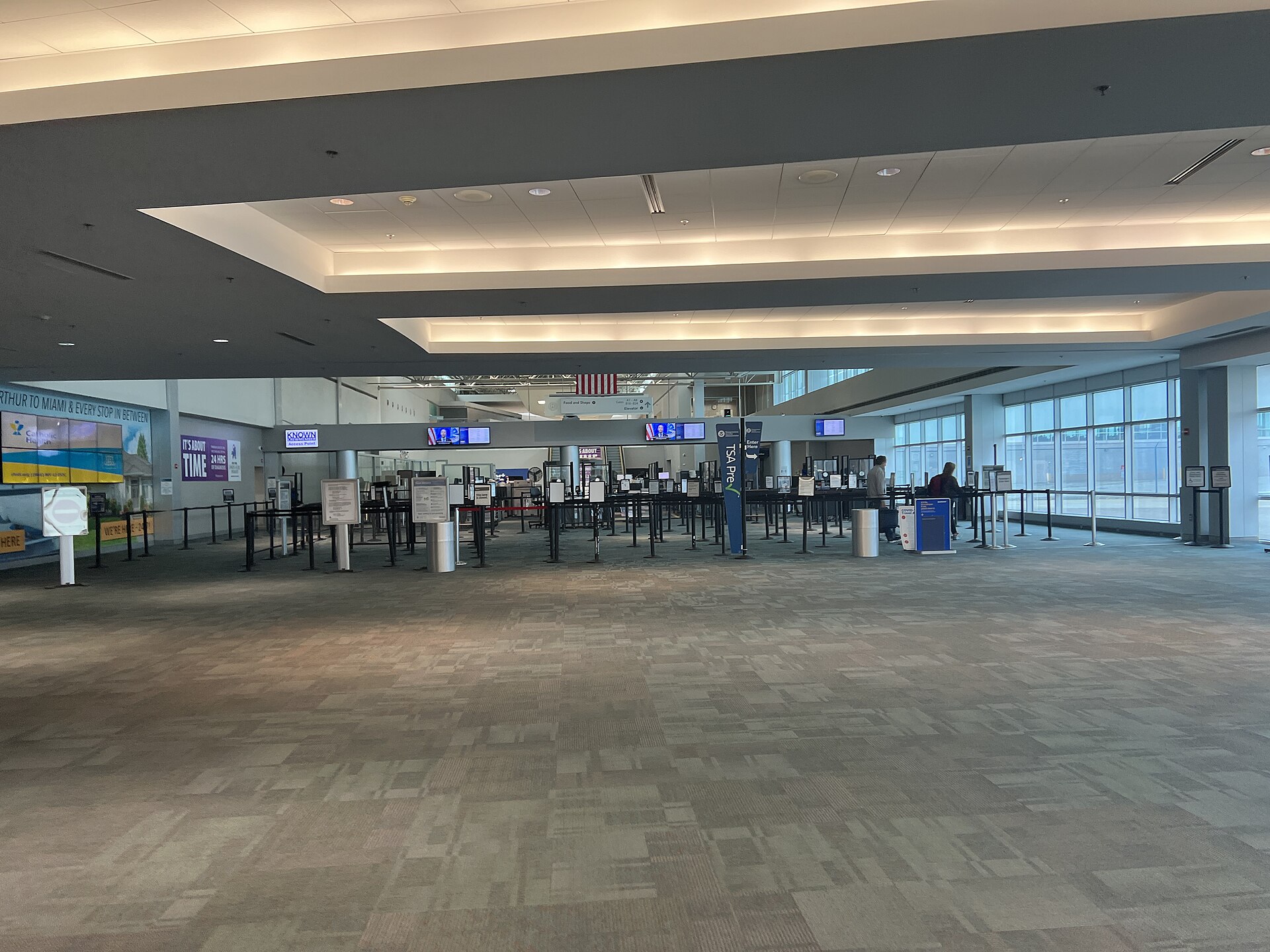
Do not confuse it with the standard TSA PreCheck symbol. The Touchless ID lane needs its own indicator on your boarding pass. If the indicator is missing, use the regular PreCheck lane.
Who Can Use It
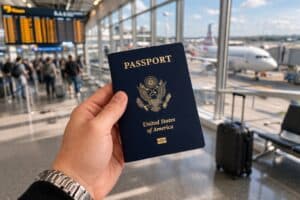
You need three things. You must be a current TSA PreCheck member with a Known Traveler Number (KTN). You need a valid passport. You need an active profile with a participating airline, or a Google ID pass in Google Wallet. You enter your passport information when you enroll, including for domestic flights. You do not need to carry a passport on a domestic flight, but TSA says to carry a REAL ID compliant physical ID.
How To Opt In With An Airline
TSA lists six participating airlines: American, Alaska, Delta, Hawaiian, Southwest and United. Log in to the airline profile and add your KTN. Add your passport number and issuing country. Then select “Opt In” in your profile or during check-in. Save the change.
You must repeat this for each airline you fly. American Airlines says that if you opt in after September 24, 2026, you stay enrolled until you choose to opt out. Earlier American opt-ins stay active for 12 months.
How To Opt In With Google Wallet
Google Wallet is a second route. It works without airline mileage membership. Create a Google ID pass backed by a U.S. passport. Check in for your flight and save the boarding pass to Google Wallet. Tap “Get started” if the button appears, and agree to share your ID pass and boarding pass with TSA. TSA says this route works with more than 100 TSA PreCheck airlines at participating airports.
Check Your Boarding Pass Before You Leave
After TSA confirms your enrollment, the Touchless ID indicator appears on your mobile boarding pass. You need it to enter the dedicated lane. With an airline, opt in through your profile or during check-in. With Google Wallet, check in first and then opt in from the boarding pass. Confirm the indicator after check-in either way. Carry a REAL ID compliant physical ID too. A TSA officer can ask for it if the camera cannot verify you.
Dedicated lanes are not always open, and security screening still applies. For more ways to plan your airport time, see our tips for handling TSA delays and our guide to the universal TSA wait time site. If you want food for the flight, we also cover kosher grab and go options at Atlanta (ATL) and Miami (MIA) and Fort Lauderdale (FLL).
Details
TSA PreCheck Touchless ID costs nothing for current TSA PreCheck members. TSA PreCheck itself costs $85 or less for five years. Availability depends on your airline, airport and checkpoint, so check the official TSA PreCheck Touchless ID page for participating airlines and airports before you travel.